Features

More than a pretty invitation.

Sending it, collecting replies, planning the seating and helping guests find their table on the day, all in one place. The basics are free; add the rest only if you need it.

Free for everyone

Already included

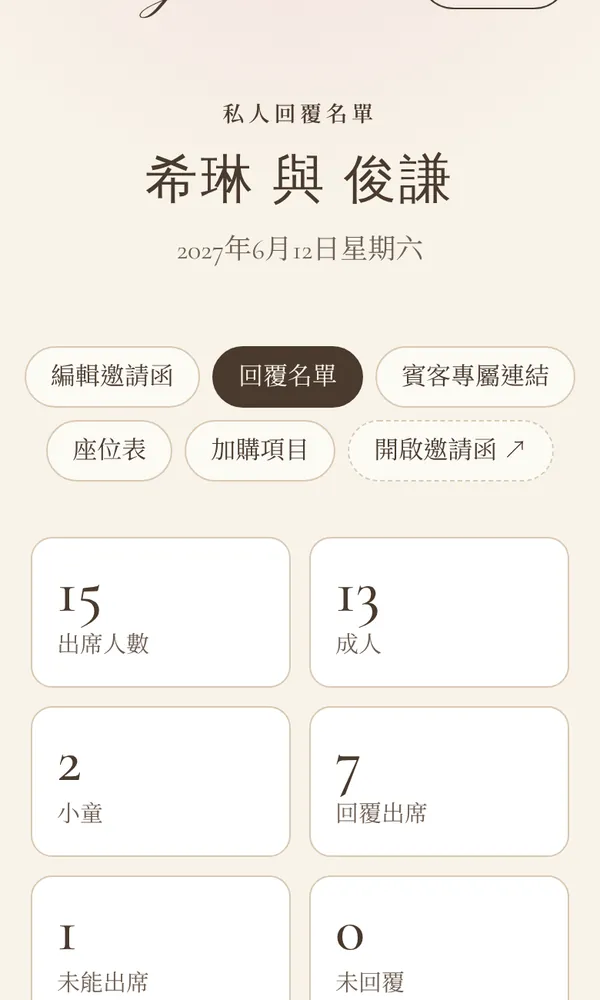
Reply list on a phone: totals for guests coming, adults, children and dietary needs
Free

Replies gather in one list

Guests reply inside the invitation: coming or not, how many, children and dietary needs. You see the totals and every reply on your phone as they arrive.

  • Coming, adults, children and still to reply, at a glance
  • Vegetarian, no beef, no seafood and baby chairs counted for you
  • Groom’s side and bride’s side counted apart
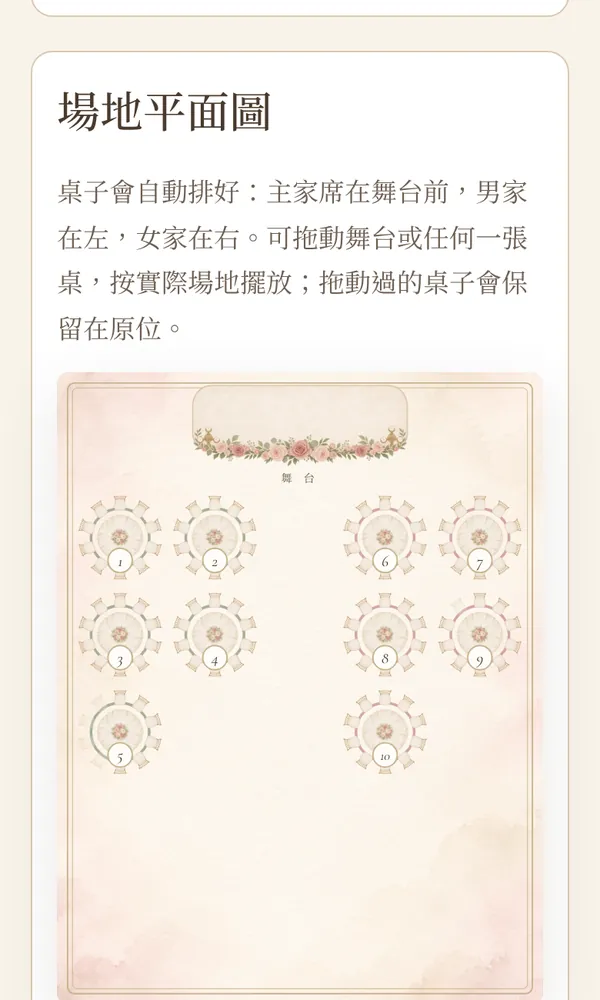
Floor plan with painted round tables and the stage
Free

Seating plan and floor plan

Guests who reply go straight into the seating plan. One tap seats everyone by side; then drag the tables to match the room.

  • 6 to 14 seats a table, with the head table locked
  • Move the stage, place the tables as the venue has them
  • Print it or download a CSV for the venue
One payment · no monthly fee

Add only what you need

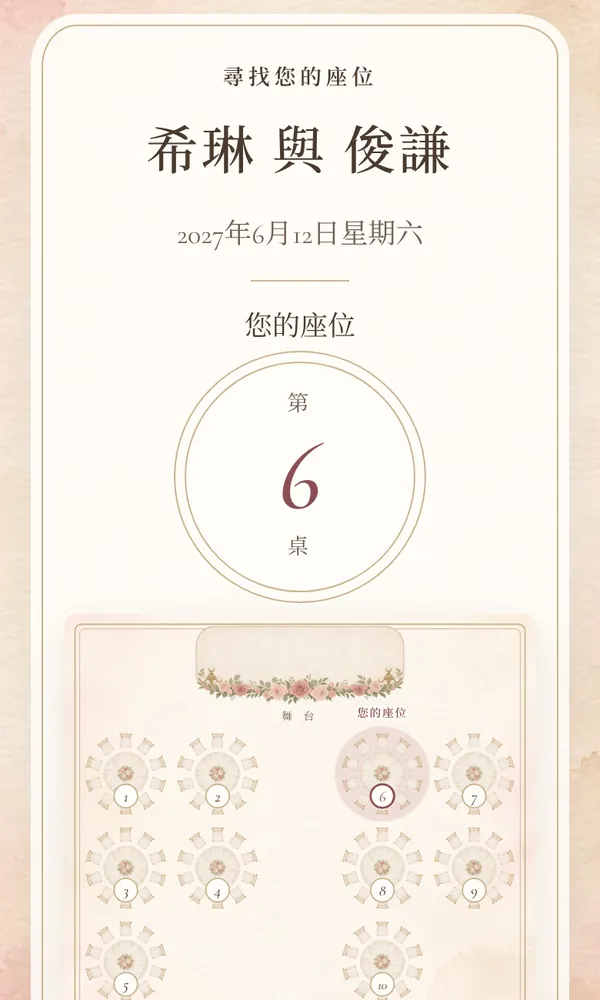
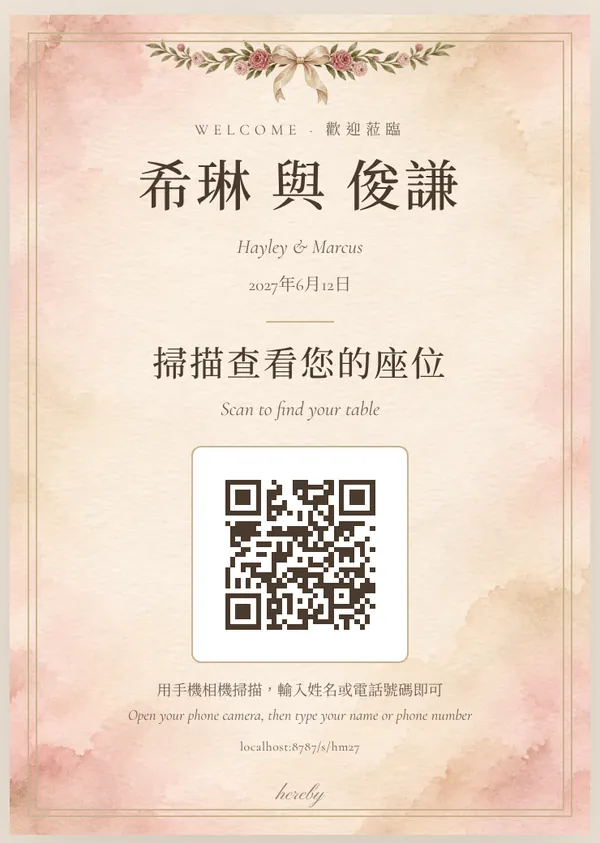
A guest's seat page showing table 6 on the floor planA4 poster with the seat finder QR code

On the day, guests find their own table

Guests scan the QR at the door or open the same invitation, type their name or phone number and see their table on the floor plan. No crowd round the seating board, fewer questions for your helpers.

  • Print an A4 QR poster for the reception table in one tap
  • Name or phone number both work, however the name was spelt
  • The floor plan shows where the table is
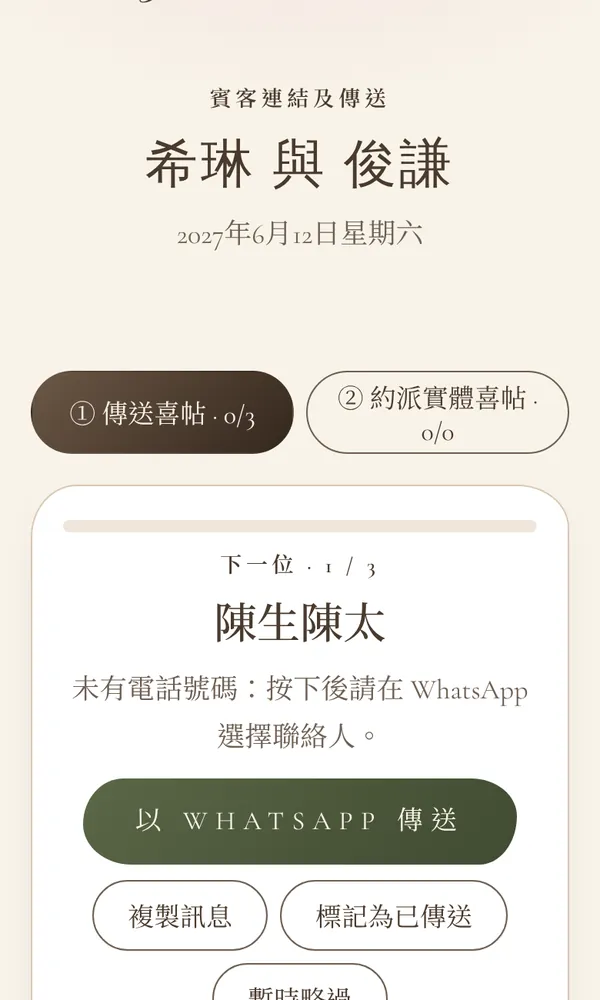
  • With personal links, send each guest their table on WhatsApp
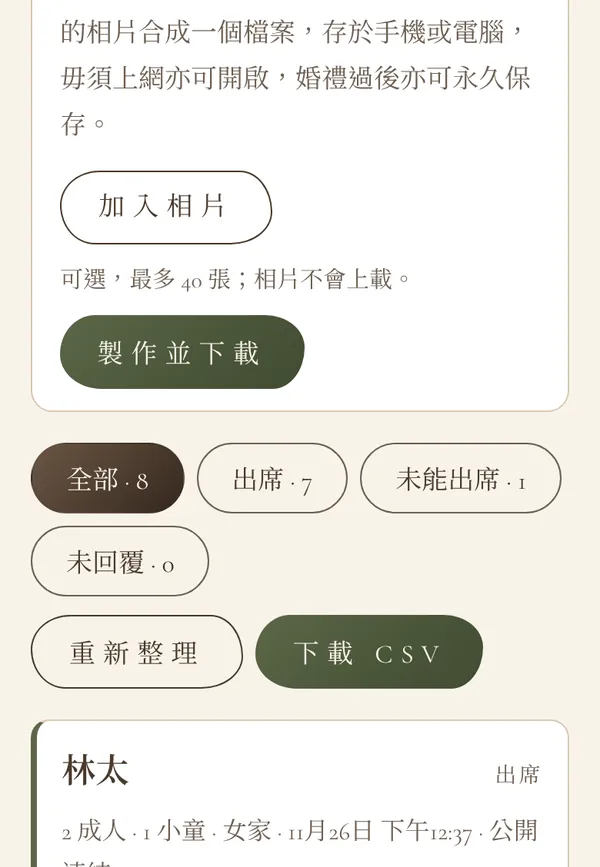
Reply list with a Download CSV button

Replies to Excel

Every reply in one spreadsheet: names, headcount, children, dietary needs and side. Hand it to the venue or sort it for seating in minutes.

  • Opens in Excel, Numbers or Google Sheets
A tea ceremony page in the same design

A page for the tea ceremony or the homecoming dinner

A second page with its own date, place and replies, for a tea ceremony, a homecoming dinner or an after party. Invite only the guests it is for.

  • In the same design as the wedding invitation
The keepsake file opened on a phone

A keepsake to download after the day

After the day, download everything in one file: the invitation as guests saw it, every wish and photo. It opens offline, so it stays yours after the online page ends.

Your own music

Upload your song; it plays as guests untie the ribbon. MP3 or M4A, up to 10 MB.

Your colours

Another colourway for the painting, and your colour on buttons and headings.

No hereby line

Take the small “Made with hereby” line off the foot.

Your own web address

Your names as the address for a year, e.g. adaboris.com. Easy to say and to print.

All prices